
Vidtiser AV
Commercial AV integration.
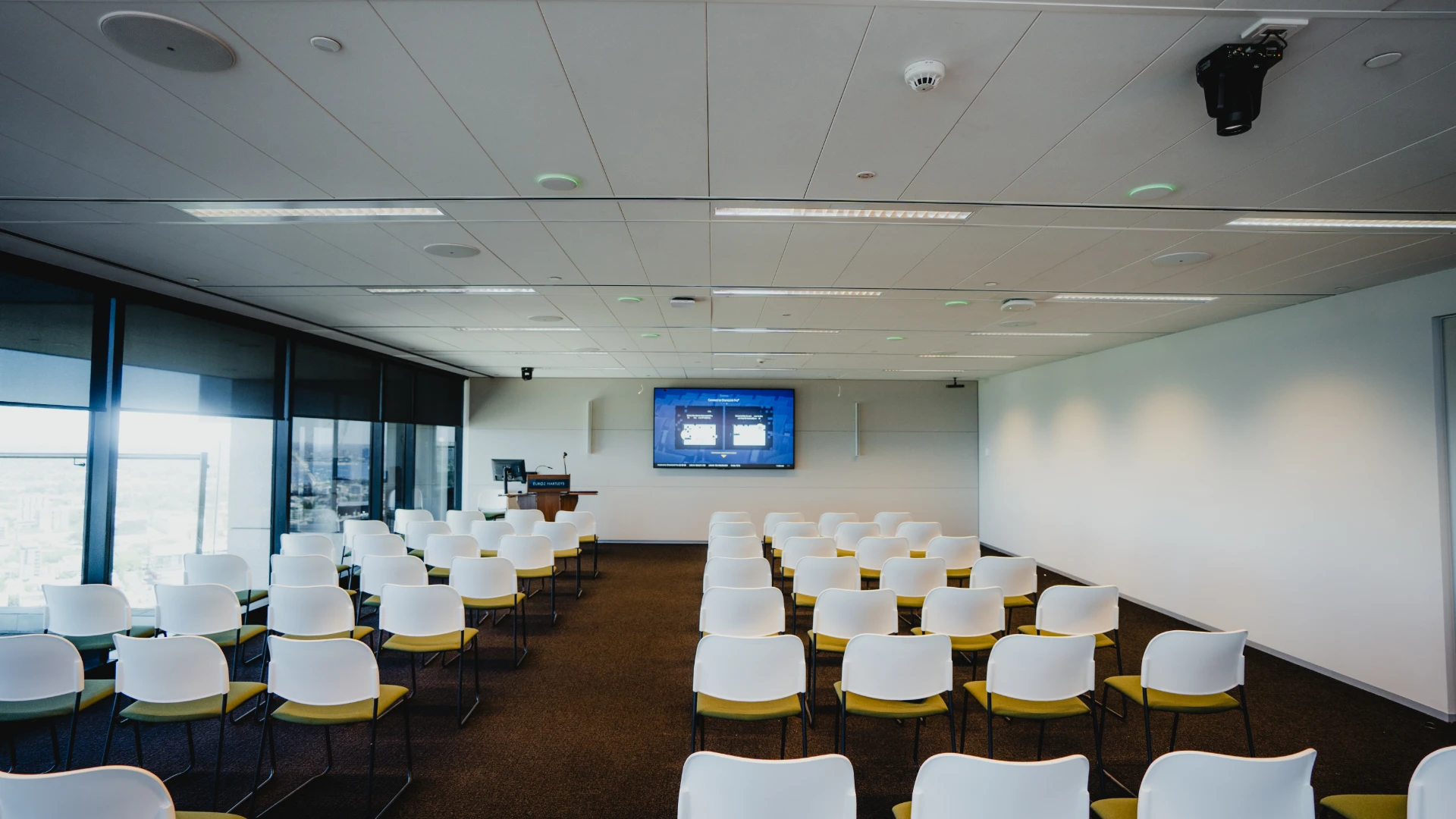
Picture a meeting room where a call starts with one touch, a training space where every seat can hear, or a theatre with sound and video that work together. Vidtiser designs, installs and supports AV across Perth and Western Australia.
Planning your installation
Start with your space.
Tell us the room types, number of spaces, location and how your people meet or present. A floor plan, existing equipment list and target date help us shape the brief.
Share what you know. We’ll discuss the requirements and confirm the next step towards a site-specific quote.
What shapes the installation cost?
Room size, the number of spaces and the way people use them set the scope. Camera and microphone coverage, displays, acoustic treatment, control, cabling and network requirements all affect the design. We separate the agreed equipment and installation work in your quote.
Can we keep equipment we already own?
We assess existing displays, mounts, cameras, audio and connections against the new room requirements. Compatible equipment can be retained where its performance, condition and ongoing support suit the project. Share a current equipment list or room photos to start the discussion.
Teams, Zoom or a visitor’s laptop?
We plan around the platforms your organisation uses. A dedicated room system can give staff a familiar meeting experience, while a compatible laptop connection lets visitors use the room’s camera, microphones and display. We agree the required workflows and coordinate licences, accounts and network access with your IT team.
How are installation and handover planned?
We agree the scope, procurement, site access and works with you and your builder or IT team. Multi-room work can be staged around operations. At handover we test the agreed calls, content sharing and controls, provide system documentation and show the nominated users how to operate the installation. Maintenance and monitoring are agreed to suit the supported equipment.
AV shaped around your space.
Meeting rooms, presentation venues or a complete workplace fit-out. Start with what people need to do, then bring the right systems together.
Meeting rooms and boardrooms
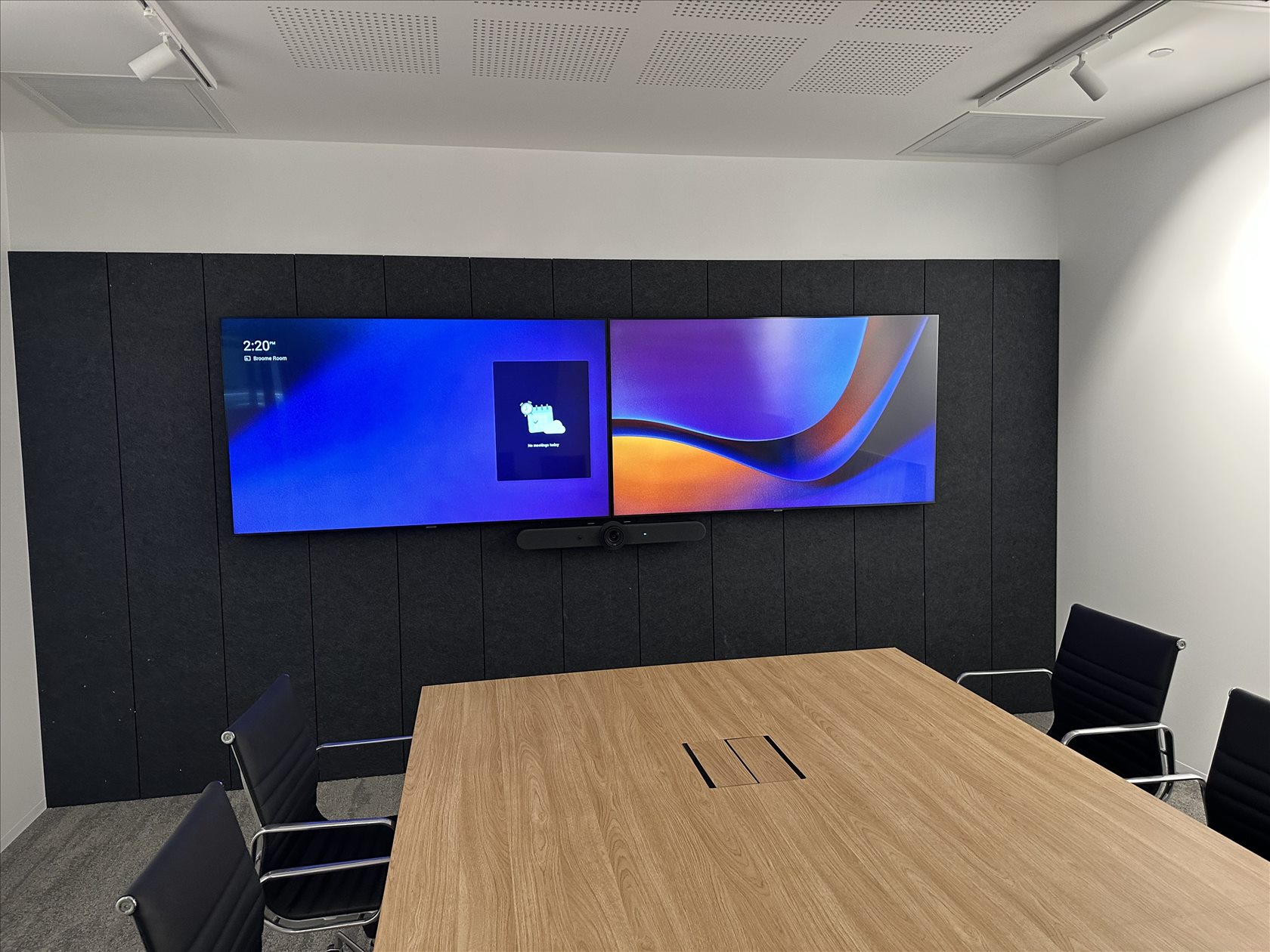
Give staff and visitors a simple way to join calls, hear everyone and share content.
- Teams and Zoom room systems
- Wired and wireless laptop sharing
- Cameras, microphones and displays
Training and presentation spaces
Make every presentation clear, with displays, speech reinforcement and controls designed around your audience.
- Presenter audio and hearing assistance
- Room displays and live video
- Touch control, lighting and blinds
Multi-room rollouts and support
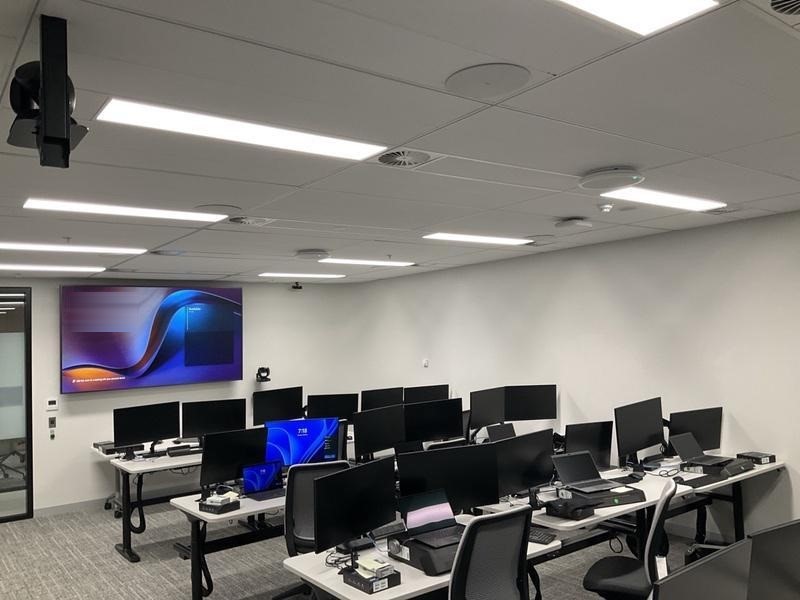
Standardise controls across rooms and plan for ongoing maintenance and support.
- Room booking and consistent controls
- AV networks coordinated with IT
- Maintenance and monitoring where enabled
The space matters, too.
- Acoustic treatment
- Reduce room reflections so speech is easier to follow, in person and on calls.
- Sound masking
- Use controlled background sound to help reduce speech distractions and improve privacy in open workplaces.
- Meeting room furniture
- Plan tables, AV joinery and concealed cabling around sightlines, camera coverage and everyday use.
Walk through a 3D boardroom.
See where the camera, microphones and screens go. Switch to a side view or floor plan to explore how the AV system fits into the room.
Room overview
A Teams room with one touch screen.
Join a call and adjust lights or blinds from the table. The Crestron compute, Q-SYS DSP, AV switch and room controller sit behind the display. Choose a system above to follow its connections.
Inspect the equipment
Crestron TS-1080-UC
Join a Teams meeting, mute the microphones and open the programmed lighting and blind controls from the 10-inch tabletop touch screen.
Designed and tested by Vidtiser.
Vidtiser designs the system, coordinates with your IT and fit-out teams, and programs the controls. Before handover, we run a test call in the finished room, check what people see and hear at both ends, and verify content sharing and room controls.
Meeting room systems.
Start with your room layout, then choose the meeting platform and controls. We size cameras, microphones and displays around the people using the space.
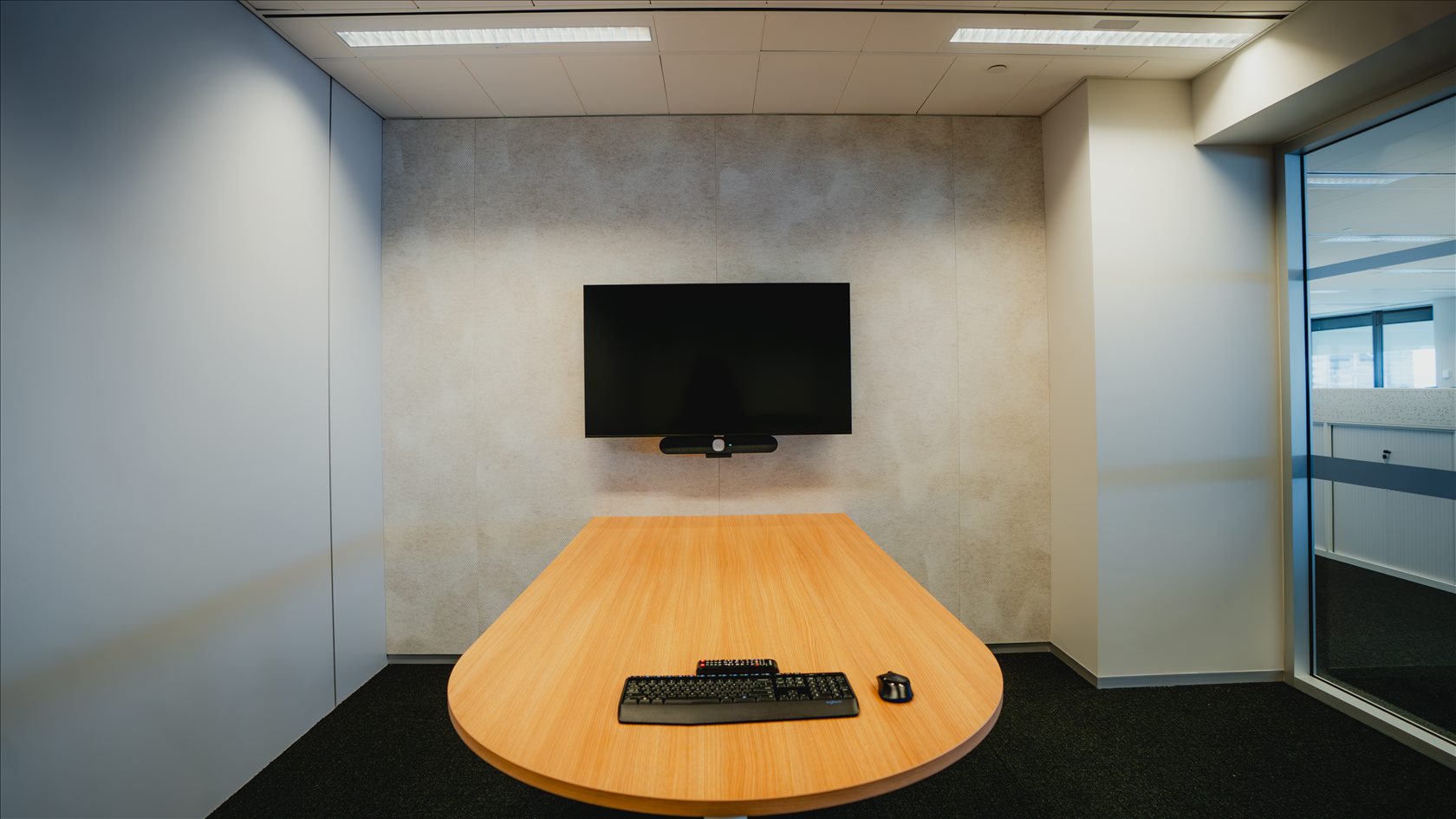
Choose for A small table with one display and an all-in-one video bar.
Get straight into the call.
For quick catch-ups and small hybrid meetings, a single display and integrated video bar keep the room setup simple.
- Join
- A compatible Logitech Tap IP setup lets people join a scheduled Teams or Zoom room meeting with one touch.
- See and hear
- The Rally Bar Mini combines the camera, microphones and speakers below the screen. Vidtiser used it in smaller rooms at Euroz Hartleys.
- Share
- Specify a wired or wireless presentation option for staff and visiting laptops.
Rolling out several rooms? Start with the same meeting controls and sharing options in every room. For supported devices, Logitech Sync gives IT one place to check device health and manage updates.
See Logitech room optionsFrom room plan to handover.
One Perth team designs the system, installs it and tests it with the people who will use it.
Design the system
We visit the site and plan around how the room is used. We check sightlines, audio coverage, camera placement, accessibility and what the existing network can support.
Room layouts and an agreed AV scope
Install and program
We coordinate cabling, racks and mounting with the builder and IT team. Our programmers put everyday actions such as joining a call or sharing a screen on simple controls.
Display, audio, video and control working together
Commission and hand over
We test the whole room on site, including content sharing, call audio and the controls. We walk your staff through the system and provide documentation for the installation.
A tested room and a team ready to use it
AV support and maintenance
Keep your spaces working.
For a fault, tell our Perth service desk which site and room are affected, what has stopped working and whether a meeting or event is impacted. We can help diagnose the issue and organise an onsite visit when needed.
For planned maintenance or a room upgrade, we’ll agree the equipment covered, service scope and support arrangements with you.
- Fault diagnosis and repairs
- Investigate audio, display, call and control faults, coordinate onsite work and help with equipment warranty queries.
- Preventative maintenance
- Schedule room checks and functional testing to find recurring issues and plan work before busy periods.
- Monitoring and alerts
- Where enabled, monitor supported equipment and surface room health alerts for your facilities or IT team.
- Changes and upgrades
- Replace ageing equipment, update room controls and test changes as your conferencing platforms or space requirements evolve.
Training and live spaces
Training and presentation spaces
Equip lecture theatres, multipurpose halls and classrooms with clear speech, useful presenter controls and video that everyone can see.
Venues and live production
Integrate sound reinforcement, live video, stage displays and production control for venues and public spaces.
Sectors we support
Business
Equip meeting rooms, town halls and flexible collaboration spaces for local and distributed teams.
Education
Integrate classrooms, auditoriums and lecture theatres across schools, TAFEs and universities.
Government
Deliver AV for councils, courts and operations teams.
Healthcare
Support teaching, collaboration, research and operations in healthcare spaces.
Venues and entertainment
Deliver sound and video for live events, public spaces and creative installations.
Broadcast
Design studio and production systems for live video and digital broadcast.
Additional capabilities
Smart control
Give staff one place to control sources, audio and displays.
Acoustic treatment
Reduce room reflections to improve speech clarity in meeting and presentation spaces.
Sound masking
Add controlled background sound to help manage speech distractions and privacy in open workplaces.
Meeting room furniture
Coordinate tables, AV joinery and concealed cable access with camera views and display sightlines.
Digital signage
Integrate displays and networks into the wider AV system.
AV networks
Coordinate networked video, audio and room controls with your IT team.
Command and control
Give operations teams a shared view of live information.
Unified collaboration
Bring video conferencing and collaboration into the spaces teams use every day.
Software AV
Support deployment, control, help-desk operations and analytics.
Our work
See it installed.
Explore the brief, the setting and the systems we delivered.
Perth, WA
SRG Global
Integrated AV across a new boardroom and meeting spaces of different sizes.
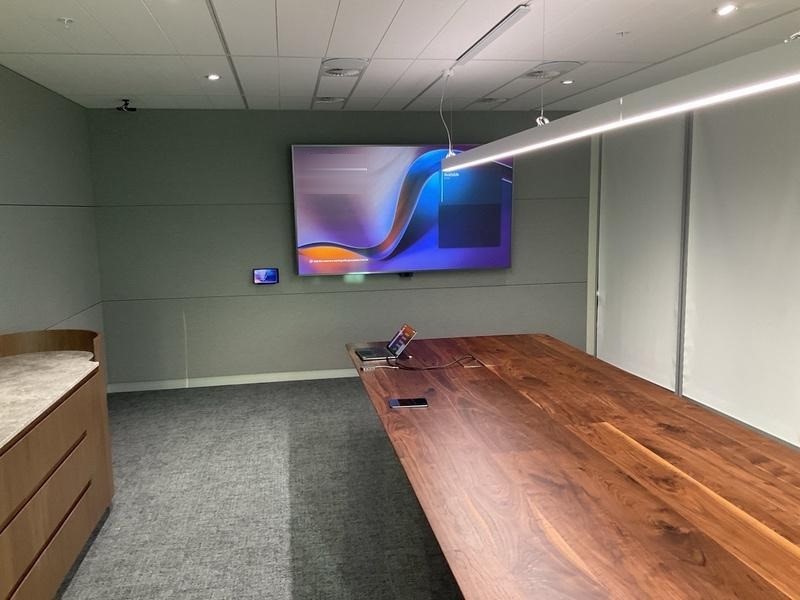
Mia Yellagonga Tower 2, Perth
Insurance Commission of Western Australia
A four-level workplace AV rollout for the Insurance Commission of Western Australia at Mia Yellagonga.
ICWA AV testing room
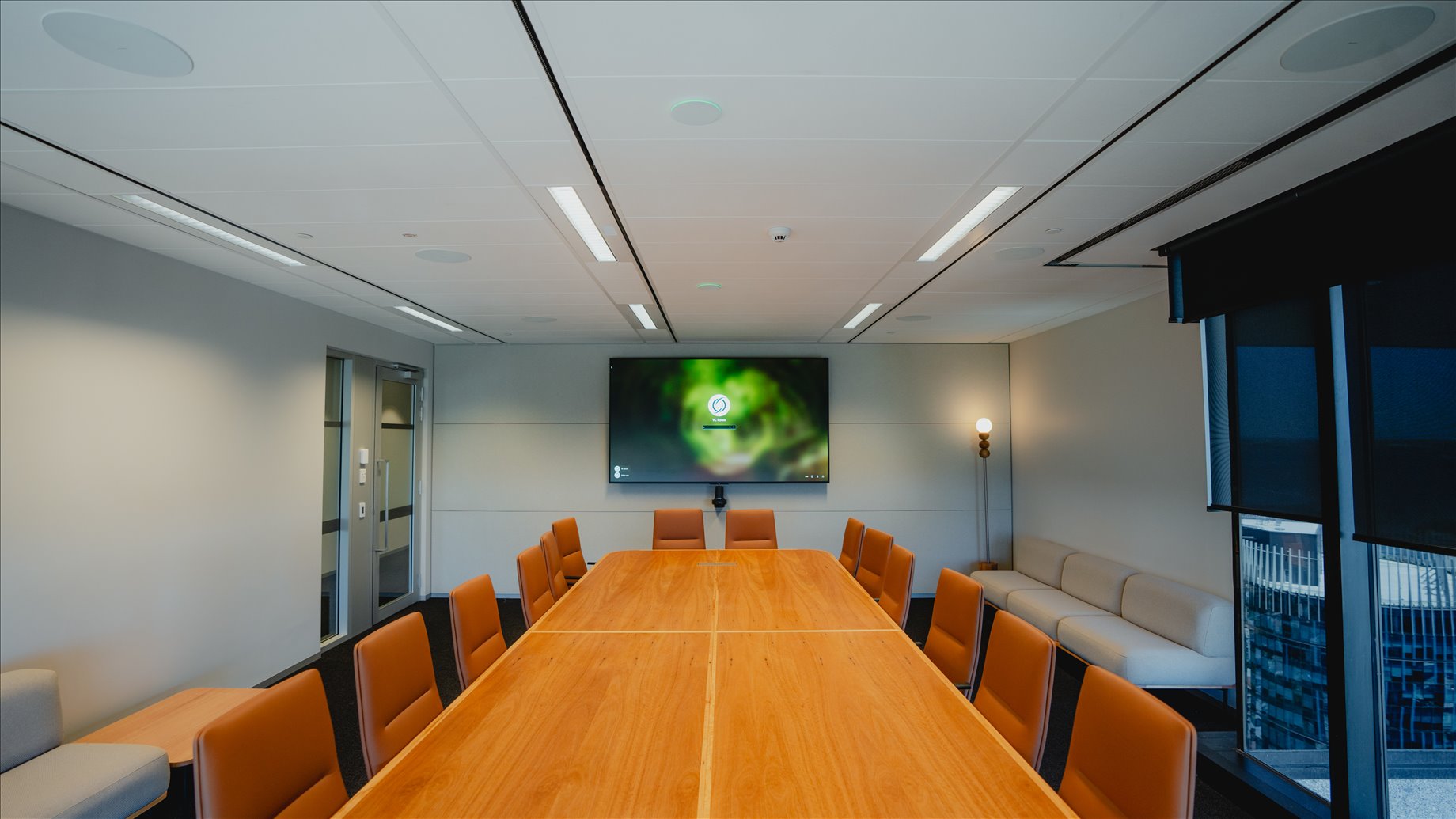
Perth CBD
Euroz Hartleys
A presentation theatre, boardroom and meeting rooms integrated for a Perth head office.